
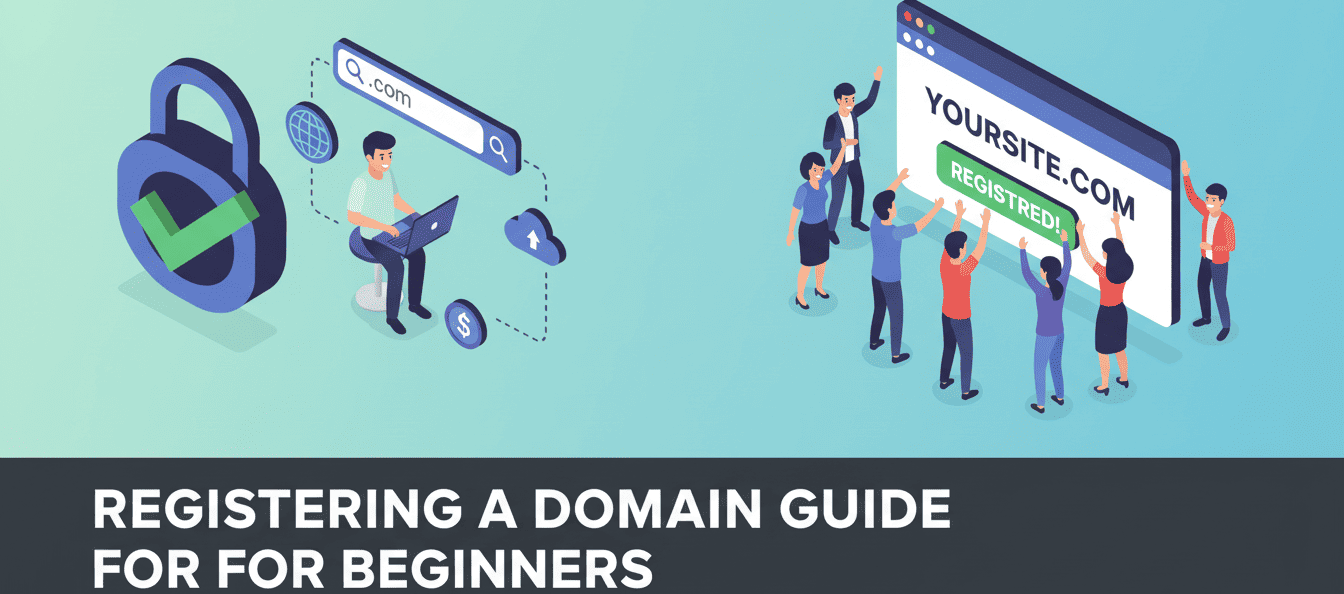
A Beginner’s Guide for registering a domain
Starting your online journey begins with the most important step: registering a domain. In this beginner’s guide for registering a domain, you’ll learn what a domain is, key terms you need to know, and step-by-step instructions to buy and secure your first domain name.
Table of Contents
- A Beginner’s Guide for registering a domain
- What is a domain?
- Important-domain-terms-for-beginners
- How to Register a Domain
What is a domain?
A domain is the address of your website on the internet. Think of it like your home address, but for your website. It’s what people type in their browser to visit your site, like www.example.com.
Every domain is unique, meaning no two websites can have the same domain name.
Example:
- www.google.com → Google’s domain
- www.facebook.com → Facebook’s domain
Important Domain Terms for Beginners
Before you register your domain, it’s helpful to understand some key terms:
- TLD (Top-Level Domain): The ending of a domain like .com, .net, .org, or .np.
- Subdomain: A smaller part of your main domain. Example: blog.example.com
- DNS (Domain Name System): Translates the domain name into the website’s IP address so browsers can load your site.
- Domain Registrar: A company where you buy and register your domain (e.g., GoDaddy, Namecheap, Google Domains).
- WHOIS: A public database showing who owns a domain.
- Domain Privacy Protection: Hides your personal info from the public WHOIS database.
How to Register a Domain

i. Quick Overview of Domain Registration
Registering a domain means buying the right to use a domain name for a certain period (usually 1 year). After registering, you officially own the domain and can link it to your website.
ii. How to Buy a Domain Easily
Follow these simple steps:
- Choose a domain registrar (GoDaddy, Namecheap, Google Domains).
- Search for your preferred domain name to check availability.
- Select the domain and registration period (1–10 years).
- Add domain privacy protection if desired.
- Complete payment using credit/debit card or PayPal.
- Your domain is now officially yours!
iii. Step-by-Step Guide to Register a Domain
- Think of a Domain Name: Make it short, memorable, and relevant.
- Check Availability: Use the registrar’s search tool.
- Select TLD: .com for international, .np for Nepal, etc.
- Add to Cart: Choose a registration period (1 year recommended for beginners).
- Optional Add-ons:
- Privacy Protection: Hides personal info
- Email Hosting: Professional email with your domain
- Provide Contact Info: Name, email, phone, and address.
- Pay for the Domain: Use your preferred payment method.
- Confirm Registration: You’ll get a confirmation email. Your domain is ready!
iv. Things to Consider Before Buying a Domain
- Keep it Short and Simple: Easy to remember and type.
- Use Keywords: Include relevant words for your website.
- Avoid Numbers or Hyphens: They confuse users.
- Choose the Right TLD: .com is best internationally; country-specific for local websites.
- Check Social Media Availability: Helps maintain your brand consistently.
- Think Long-Term: Pick a name that will grow with your business.
Domain Tips for Beginners
- Prefer a .com domain if possible.
- Keep it easy to spell, short, and relevant.
- Use a trusted domain registrar.
- Enable domain privacy protection to secure personal information.
- Renew your domain on time to avoid losing it.
- Start simple, focus on your website content, and grow your online presence gradually.
Other Blogs

Available Services
- Planning With Integrated Digital Marketing
- Strategic SEO for Organic Visibility
- Performance Data Analysis & Reporting
- Targeted Audience Re-Engagement Campaigns
- Conversion-Focused Website Design & Build
- Precision Paid Media Strategy & Execution
- Conversion Funnel Optimization & Testing (CRO)
- Brand Reputation Monitoring & Protection
- Full-Spectrum Social Media Management
Follow Us
Advertisement
Advertisement example
Leave a Reply