
Web Hosting Explained for Beginners: Easy Guide to Start Your Website
Table of Contents
- Web Hosting Explained for Beginners: Easy Guide to Start Your Website
- What is hosting?
- Types of Hosting.
- Terms Used in Hosting
- How to Register Hosting
- Advertisement
What is Hosting?
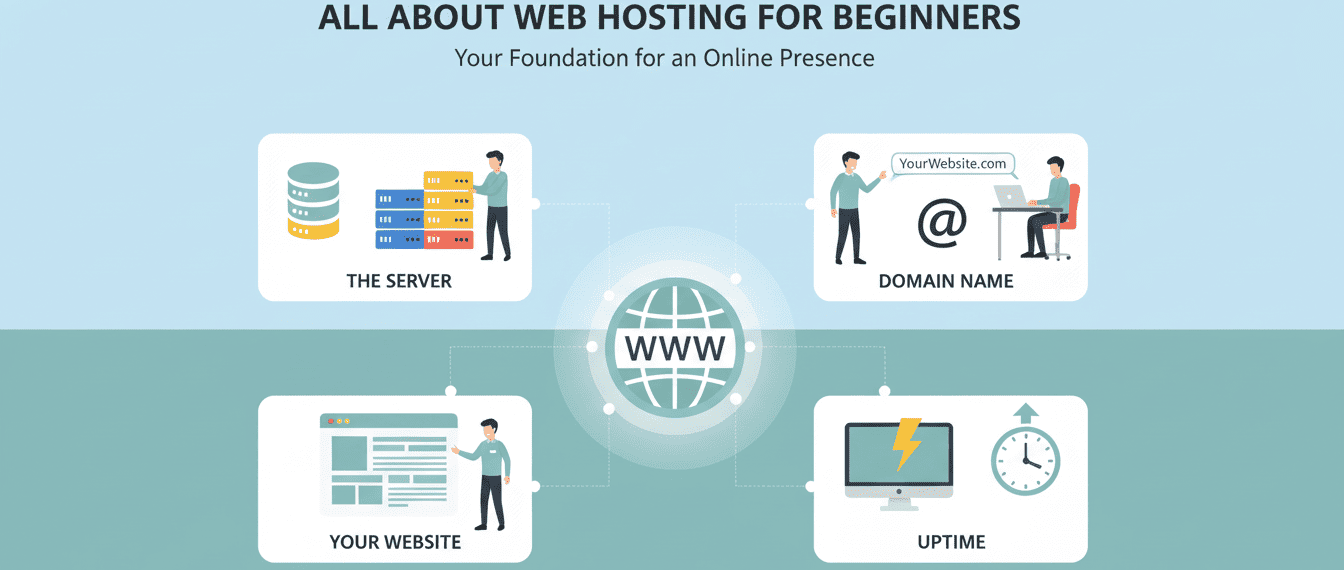
Web hosting is a service that stores your website’s files on a server, making your site accessible online. Without hosting, your website cannot be seen by anyone on the internet. So, we are providing information about Web hosting for beginners.
Types of Hosting:
- Shared Hosting: Multiple websites share the same server. Affordable and beginner-friendly.
- VPS Hosting: You get a private portion of a server with more resources. Good for growing websites.
- Dedicated Hosting: A full server is dedicated to your website. High performance but expensive.
- Cloud Hosting: Your website is stored across multiple servers. Flexible and scalable.

Terms Used in Hosting
Understanding hosting terms helps beginners manage their website easily:
- Domain: Your website’s address (e.g., www.example.com).
- Server: A computer that stores website files and serves them online.
- Bandwidth: The amount of data your website can transfer to visitors.
- SSL Certificate: Secures your website and protects user data.
- cPanel: Control panel to manage your hosting account and website.
- Backup: A copy of your website to restore it in case of problems.
- Uptime: Time your website stays online without interruptions.
How to Register Hosting
Registering hosting means buying a hosting plan and connecting it to your domain so your website can be live online.
Buying Process
- Choose a reliable hosting provider (e.g., Bluehost, Hostinger, SiteGround).
- Select a hosting plan suitable for your website (shared hosting is best for beginners).
- Check features like storage, bandwidth, security, and support.
- Create an account on the hosting provider’s website.
- Complete the payment online.
Process of Registering Hosting (Step by Step)
- Visit the hosting provider’s website.
- Select a hosting plan.
- Enter your domain name (or register a new one).
- Fill in your personal and payment details.
- Complete the payment process.
- Receive your hosting account login details.
- Log in to cPanel or the hosting dashboard to upload your website files and manage your site.
Things to Consider While Buying Hosting
- Storage & Bandwidth: Enough space and traffic for your website.
- Security: SSL certificates, firewalls, and backups.
- Customer Support: 24/7 support is important for beginners.
- Price: Affordable plans with reasonable renewal fees.
- Server Location: A server near your target audience improves website speed.
Recommendation for Beginners
For beginners, shared hosting is the best choice:
- Affordable and easy to use.
- Includes easy management tools like cPanel.
- Good customer support for help when needed.
Tip: Start small. Upgrade to VPS, dedicated, or cloud hosting as your website grows.
Other Blogs


Available Services
- Planning With Integrated Digital Marketing
- Strategic SEO for Organic Visibility
- Performance Data Analysis & Reporting
- Targeted Audience Re-Engagement Campaigns
- Conversion-Focused Website Design & Build
- Precision Paid Media Strategy & Execution
- Conversion Funnel Optimization & Testing (CRO)
- Brand Reputation Monitoring & Protection
- Full-Spectrum Social Media Management
Follow Us
Advertisement
Advertisement example
Leave a Reply